 COME
COME APK Version, Date and Size: Read Each Field
A version number, check date and file size describe different parts of a COME APK listing. Use each field for its own purpose instead of combining them into a claim that a file is current or compatible.
Compare versions with versions
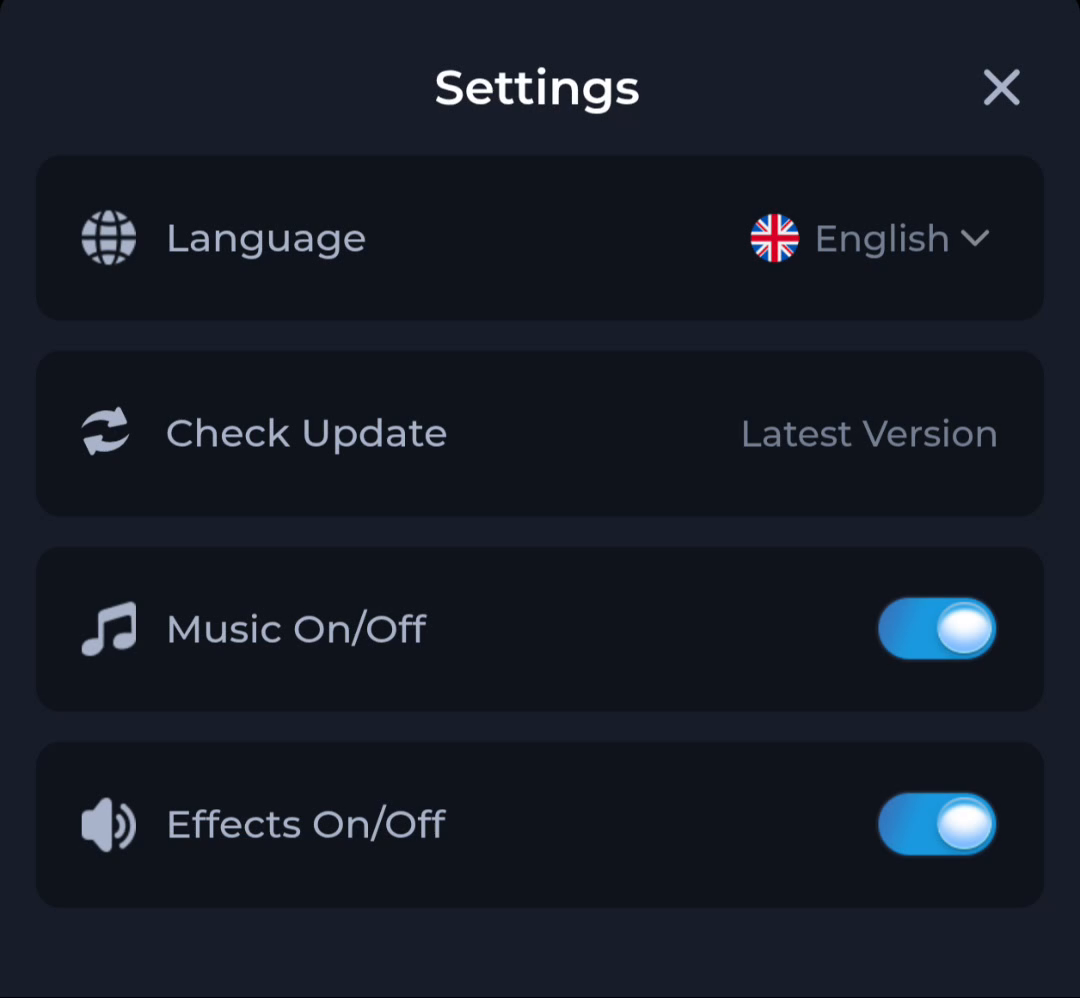
Read a numbered release in the current offer and the installed app information when available. The Check Update row shown here uses “Latest Version” as a status phrase, so it cannot replace a numbered comparison.
Read the date label exactly
A check date records when information was reviewed. A release date records publication of a release, and a download time records when your browser saved a copy. If the page only shows a check date, do not treat it as the release date.
Keep file size separate from device storage
A listed package size helps describe an offer but does not show the app’s total installed storage or supported devices. Use Android’s storage display and the current package requirements for those questions. If values disagree, record the fields and their context.
A useful next step
Review the current download page once the fields are clear. Preserve the installed app while resolving an uncertain version comparison.