 COME
Choose COME Help Before Reinstalling
Before reinstalling COME, identify whether the issue concerns a package, connection, login or app setting. Removing the app can change local data without explaining the original problem.
Record the current usable state
Note whether the app opens, whether the account route works and what action triggers the issue. Keep the exact message and device software. Those details let you compare a later attempt with the original state.
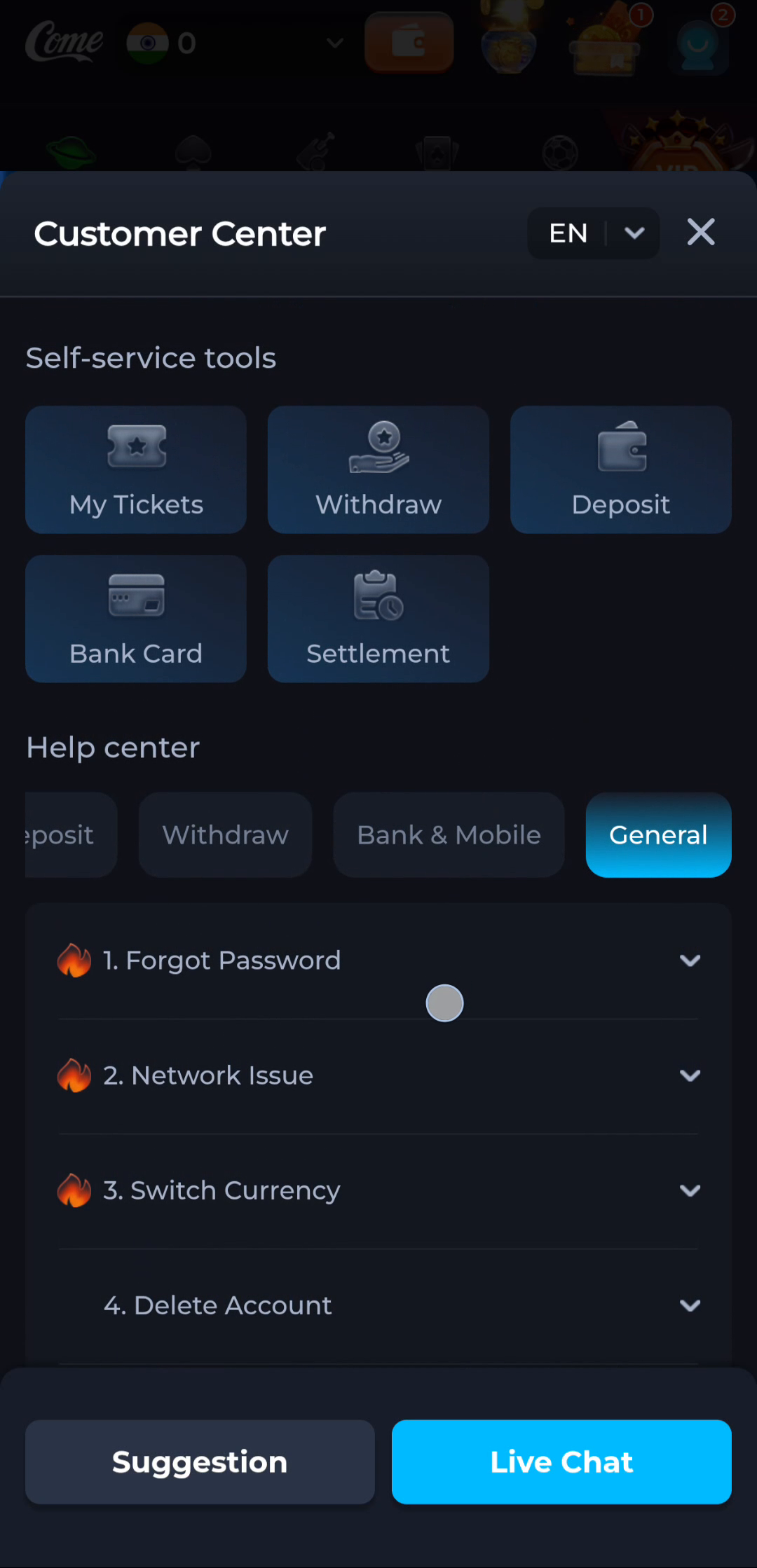
Choose a matching topic
The General help screen separates Forgot Password, Network Issue and other topics. If the issue concerns a login or connection, begin there. For an installer error, keep the Android message and current file source as the central facts.
Preserve access while diagnosing
Avoid clearing app data or deleting the existing installation as a first test. Maintain your account recovery channel, and use the current service’s guidance if a new package is required. Do not bypass device protection to make an uncertain package install.
A useful next step
Use Download once the issue calls for a package attempt. Use the home and Guides pages for problems that can be understood at the account or settings stage.