 COME
COME Language, Music and Effects Controls
Language, Music and Effects are distinct controls in COME Settings. Choose the one related to your experience and test a single change before making another.
Language concerns the interface
Use the Language row when labels are difficult to understand or you want another available language. The options offered by the current app determine what you can choose; do not assume a language is available from the website’s own language.
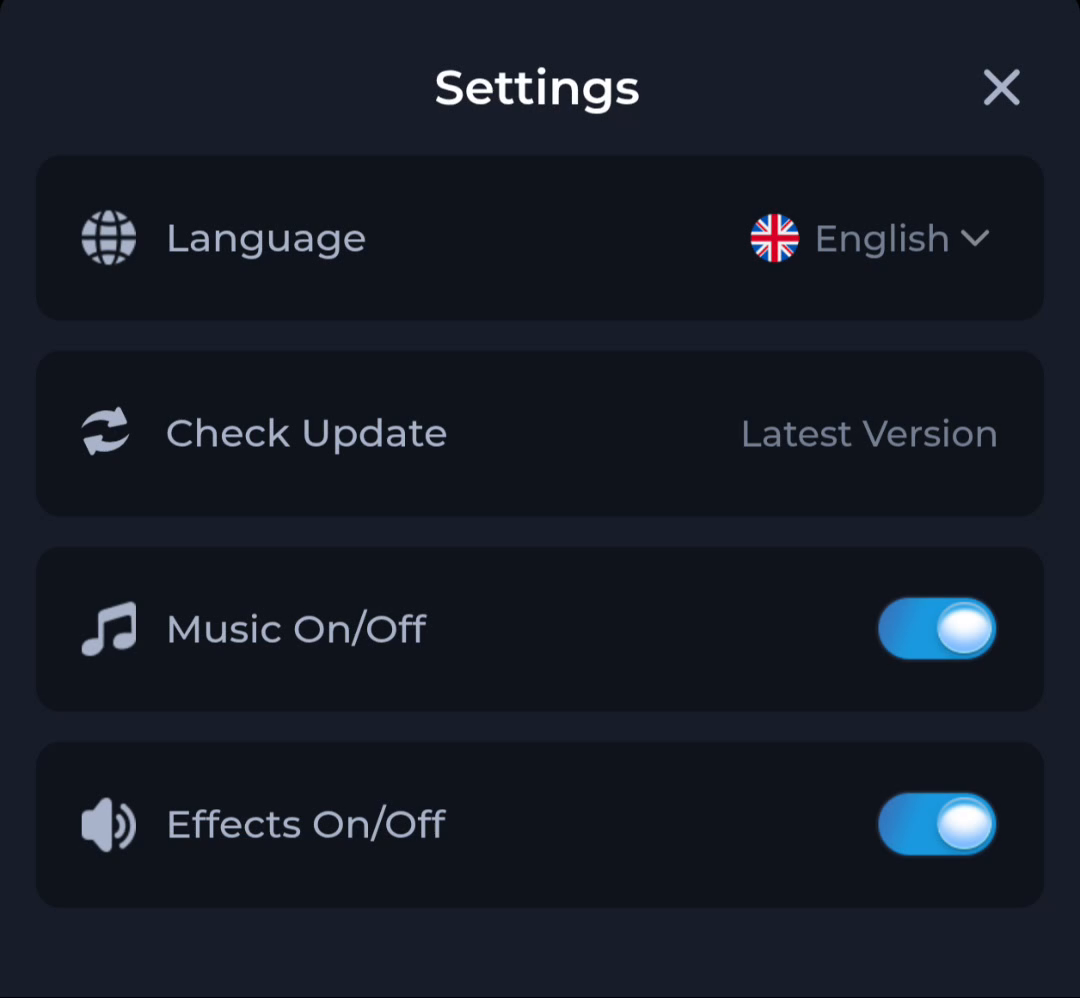
Sound has more than one control
The pictured screen separates Music from Effects. If one kind of sound is missing, inspect the corresponding control along with the phone’s volume and sound mode. A muted control does not indicate that a file transfer was incomplete.
Update checking is a different row
Check Update sits nearby but serves a software-status task. Avoid changing installation state to solve a setting that can be inspected directly. After adjusting a control, return to the relevant screen and check the effect before continuing.
A useful next step
Return to the COME overview for the broader app route, or use the guide directory to find a different control or account question.