 COME
What COME Settings Means by “Latest Version”
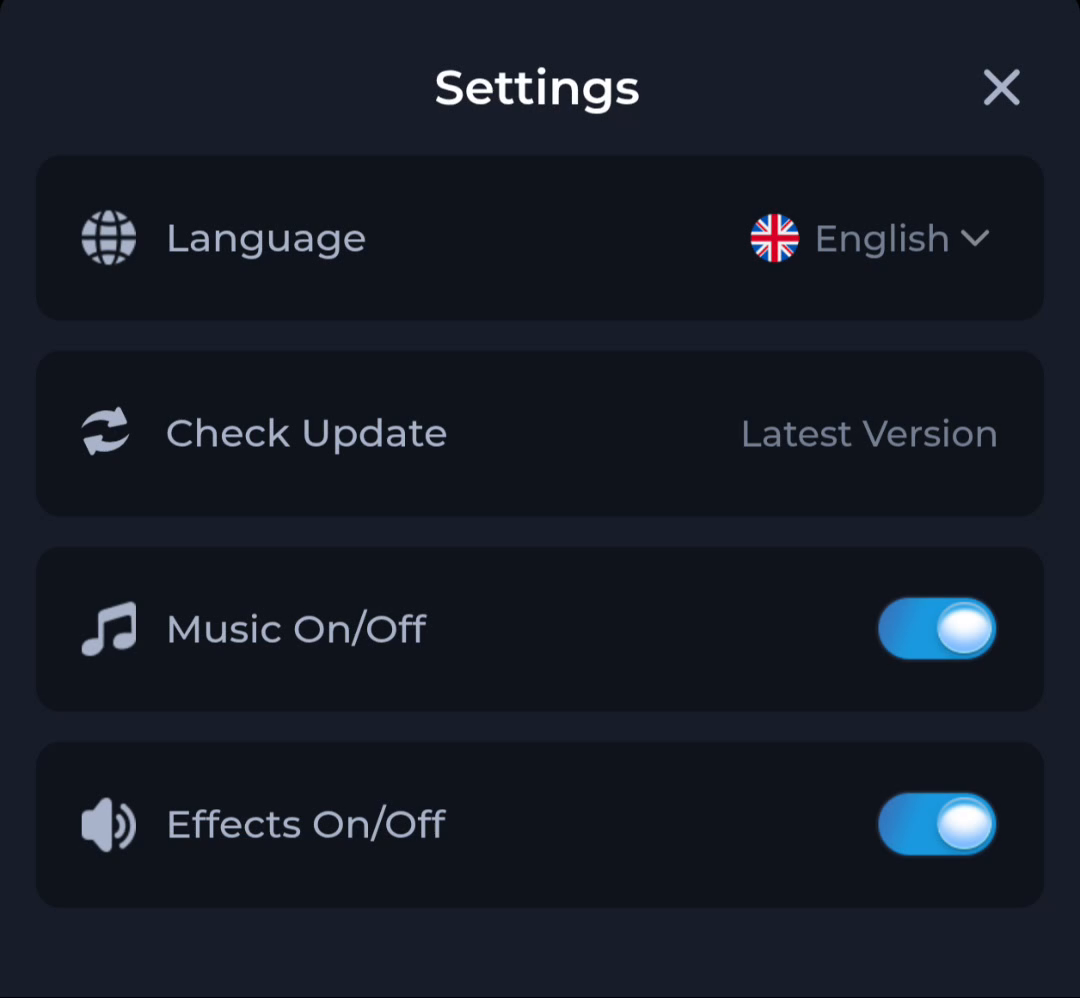
“Latest Version” beside Check Update is a status label. It is different from an explicit release number, a file signature or an Android installation result.
Identify what the row is telling you
The Settings screen places the phrase next to Check Update. Use that row to understand the app’s displayed update status. Do not copy the words into a version-number comparison as if they identified a particular build.
Find a specific comparison value
If your task requires a comparison, look for a numbered installed version in app information and a numbered release in the current offer. Note where each value was read. A current browser tab and an old saved APK can refer to different releases.
Keep the update process observable
If you follow an update route, check the destination and Android result separately. A status label is not proof that a new file was transferred or installed. Keep the working app and account recovery access while asking about any mismatch.
A useful next step
Use the download page for the current entry and the package sequence. Check the completed app again if Android reports that an update was accepted.